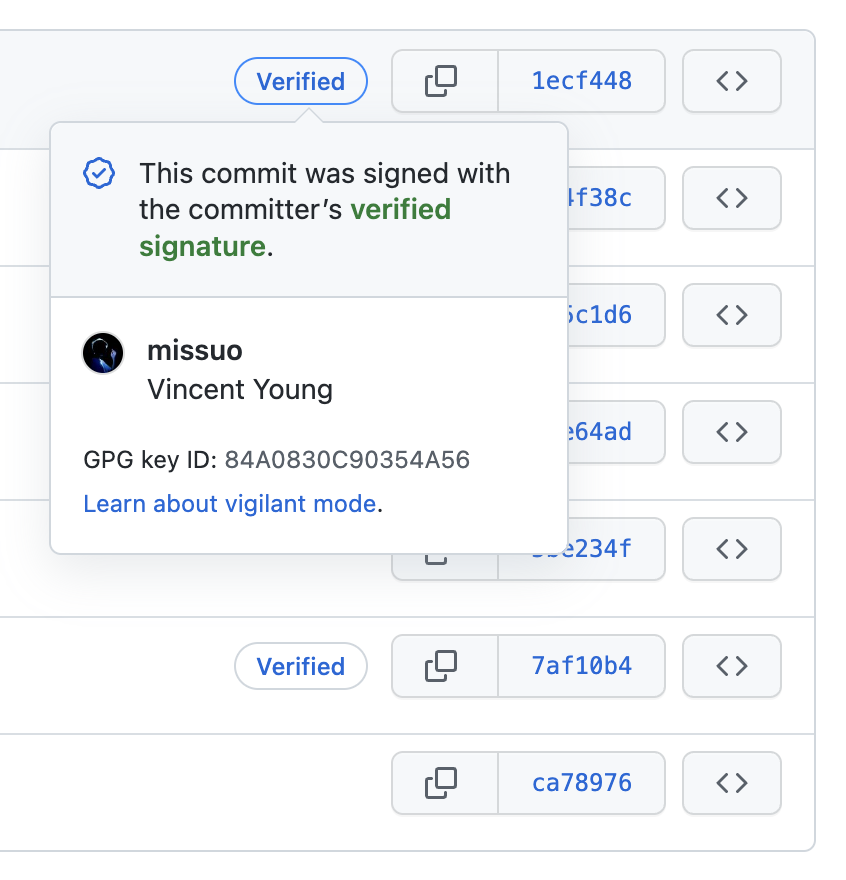
Generate GPG key
$ gpg --full-generate-keyChoose RSA and RS and 4096. Please make sure the email is the same as your Git.
Export GPG Key
$ gpg --list-secret-keys --keyid-format LONG
gpg: checking the trustdb
gpg: marginals needed: 3  completes needed: 1  trust model: pgp
gpg: depth: 0  valid:   2  signed:   0  trust: 0-, 0q, 0n, 0m, 0f, 2u
/Users/vincent/.gnupg/pubring.kbx
---------------------------------
sec   rsa3072/A035553B8A2F45A2 2022-09-10 [SC]
      21B1DADC35757E3C1680ABF0A035553B8A2F45A2
uid                 [ultimate] Vincent Yang <i@yyt.moe>
ssb   rsa3072/FDE12D34BDBDE80E 2022-09-10 [E]

sec   rsa4096/84A0830C90354A56 2023-03-06 [SC]
      7BF3AA3C919F20EA1A36CCD984A0830C90354A56
uid                 [ultimate] Vincent Yang (Git) <missuo@pm.me>
ssb   rsa4096/D611020AF7422B8D 2023-03-06 [E]

$ gpg --armor --export 84A0830C90354A56
-----BEGIN PGP PUBLIC KEY BLOCK-----
...
-----END PGP PUBLIC KEY BLOCK-----
Fill in your GitHub
Configure Git
$ git config --global user.signingkey 84A0830C90354A56
$ git config --global commit.gpgsign true

# Avoid entering your password every time
brew install gpg-suite --cask
Configure VSCode
Check the box in the settings Git: Enable Commit Signing.