Uninstall Directly(Recommended)
ROOT is not required, but it may be reinstalled after updating the system.
-
Connect your phone to your computer and turn on
ADBdebugging. -
Install
ADBCLI tools on your computer.
# macOS
brew install android-platform-tools
or
https://dl.google.com/android/repository/platform-tools-latest-darwin.zip

# Windows
https://dl.google.com/android/repository/platform-tools-latest-windows.zip- Execute the following code.
adb shell pm list package | grep com.miui.guardprovider
adb uninstall --user 0 com.miui.guardprovider
adb shell pm list users

# if you find other users on your phone, please execute the following command.
adb uninstall --user [USERID] com.miui.guardprovider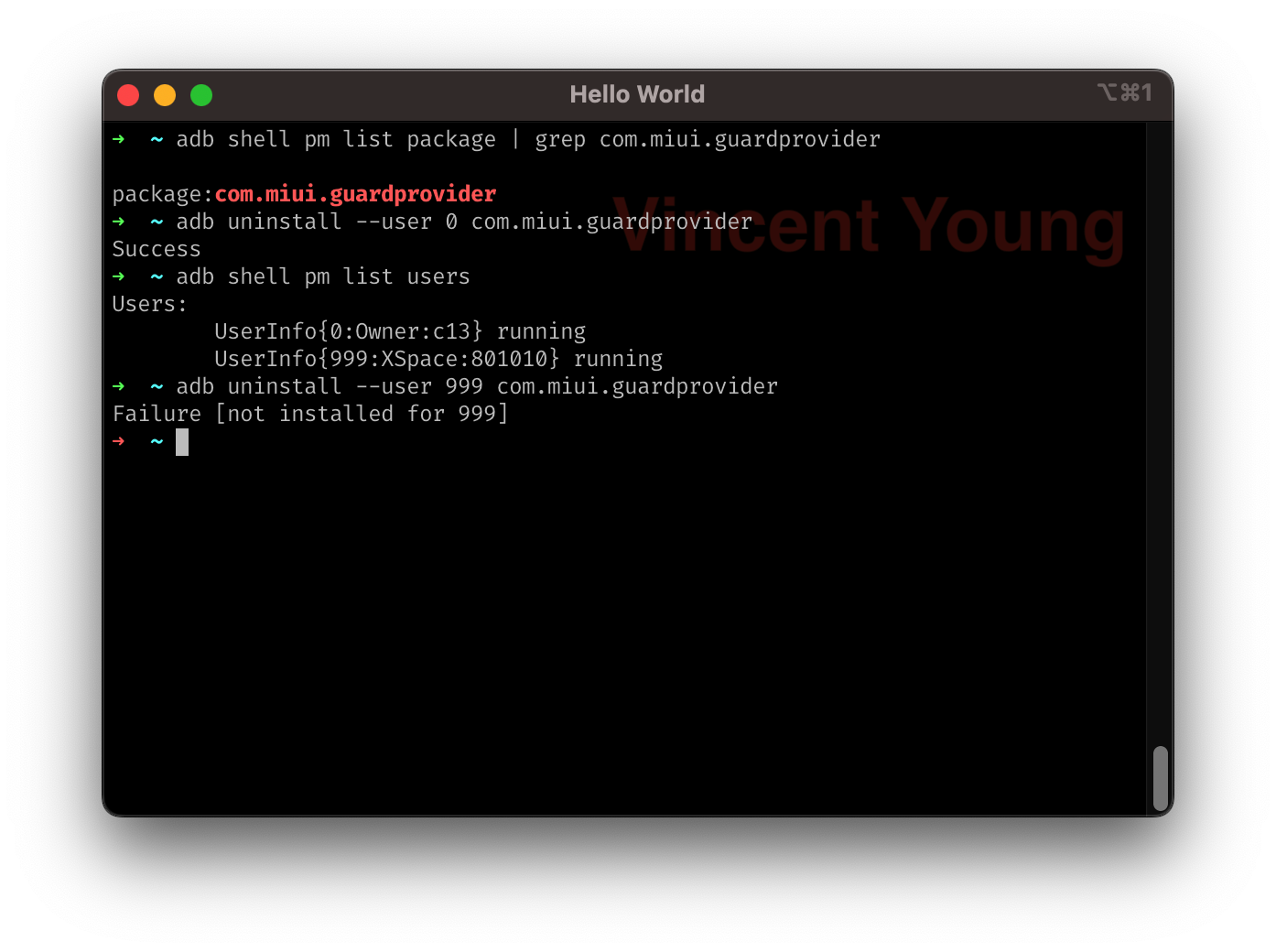
Install Magisk Module
ROOT is required, but updating the system works just as well.